
Outlook 2016
How to setup Microsoft Outlook to use with our hosted email solutions

Below are instructions for adding your Apexweb hosted email account to Microsoft Outlook 2016.
Ensure your computer is connected to the internet before adding your email account.
In Outlook 2016, go to the "File" tab.

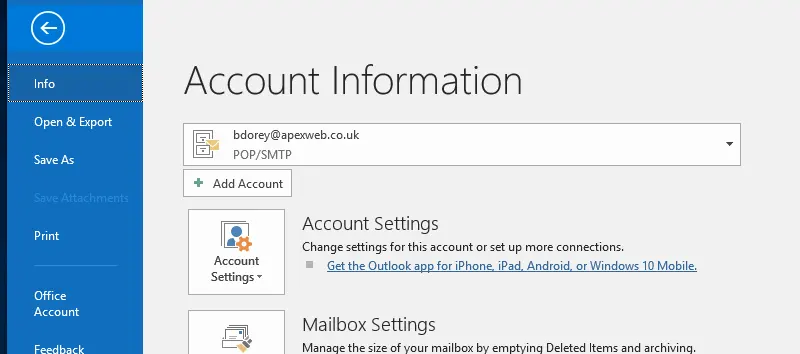
Click "Account Settings" which will open a sub menu.
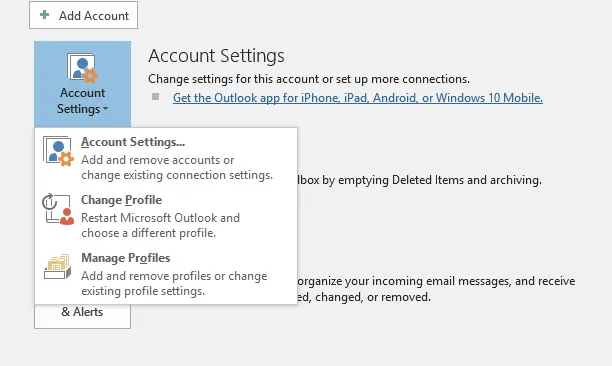
Click "Account Settings" which will open a window listing all your existing email accounts. Click the "New..." icon to start adding your new email account.
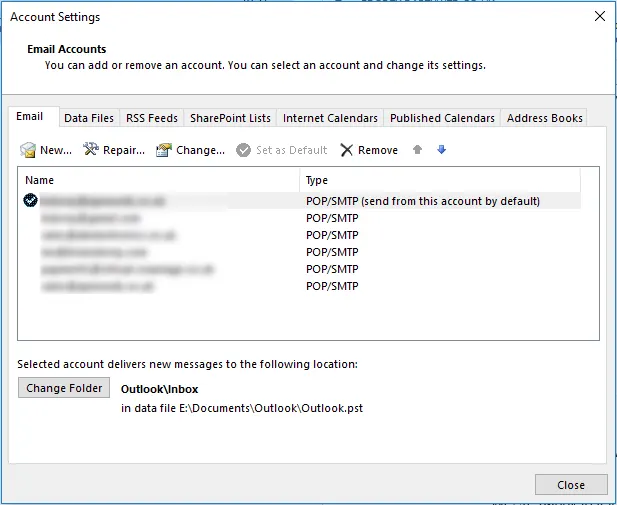
The add new email account window will open. Click the "down" arrow next to "Advanced Options"
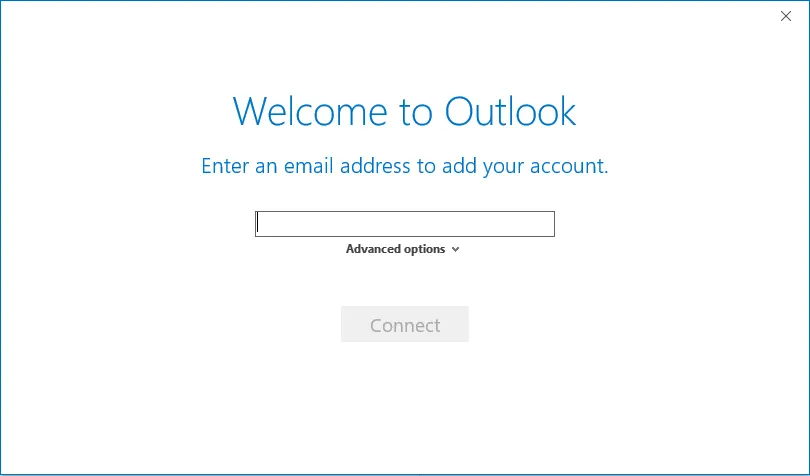
Enter your email address and tick the box under Advanced Options for "Let me set up my account manually", next click "Connect"
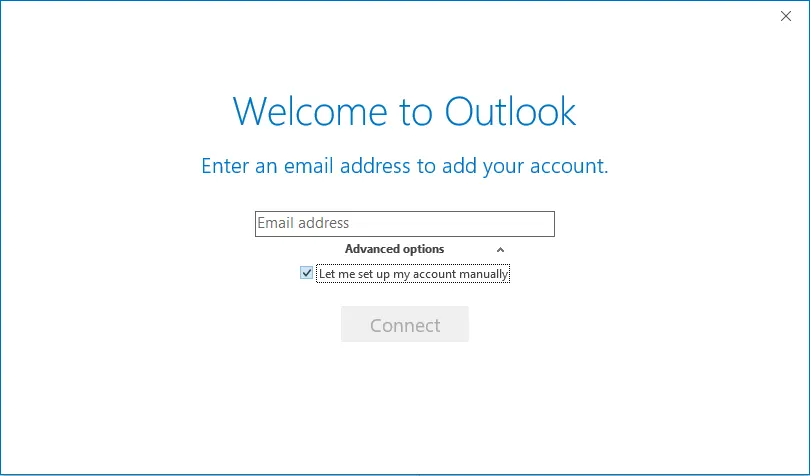
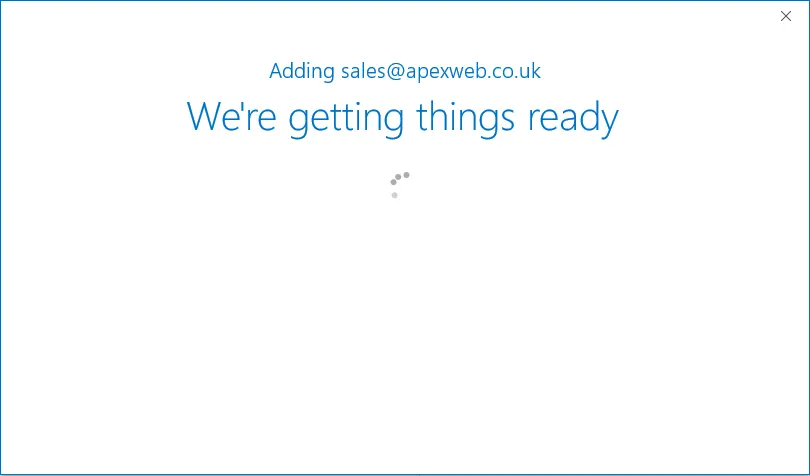
Outlook will try to find your email settings automatically.
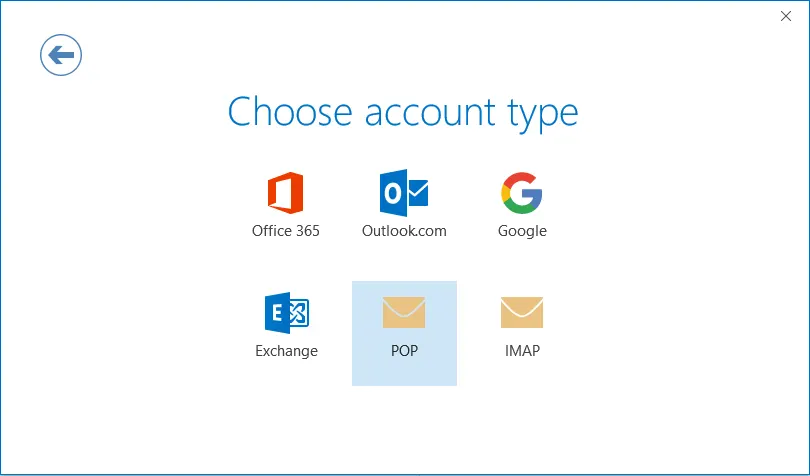
When the "Choose account type" window appears click "POP"
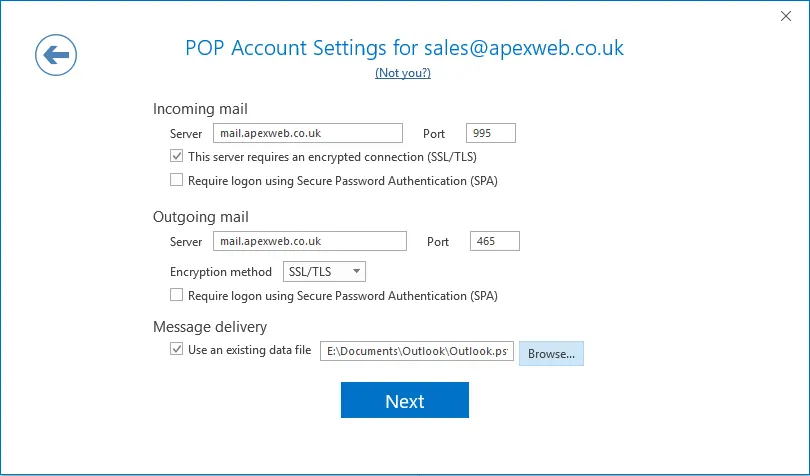
The "POP Account settings" window will show with the detected email account settings. Under "Message delivery" either select an existing Outlook PST file or leave blank to have Outlook create a new data file for your email account. Click "Next" to save and continue.
Enter the password for your email account and click "Connect"
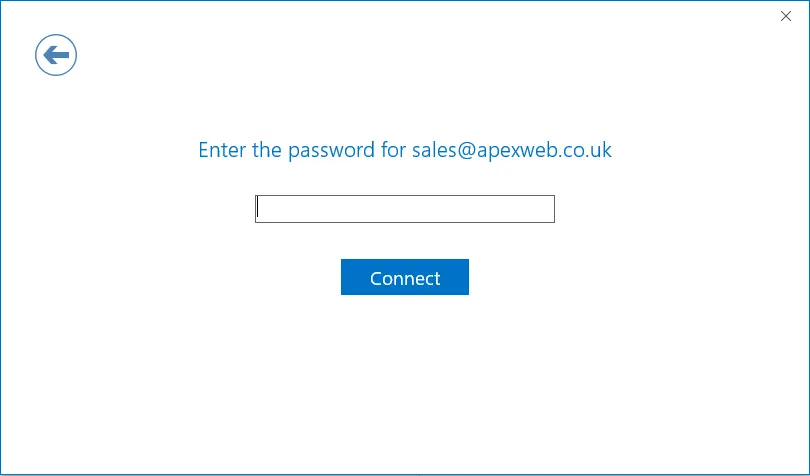
Outlook will verify your account password and show the confirmation screen if everything is working correctly. Click "OK' to close the new account setup window.
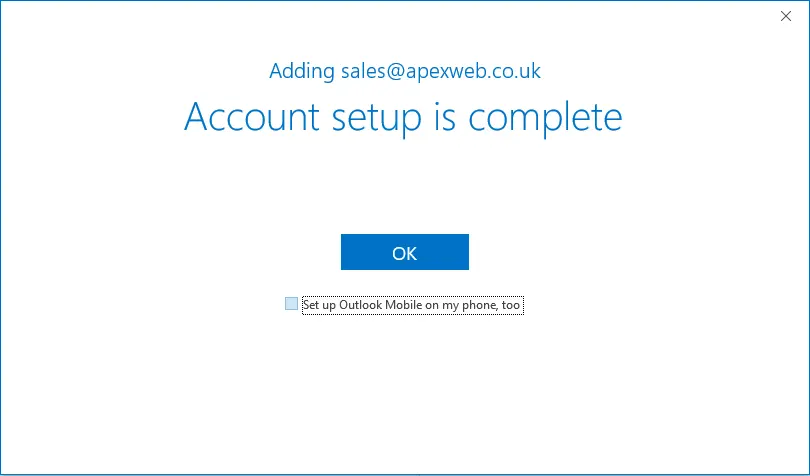
You can now use your new email account in Microsoft Outlook 2016.